Editing / Deleting a Comment
Warning: Deleting a course comment is a non-reversible process. Once the comment is removed, it cannot be recovered. You must be logged in to the CDE website to perform this operation.
To delete a comment, follow these steps:
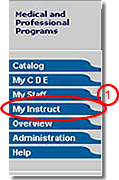
- Click the “My Instruct” tab in main navigation
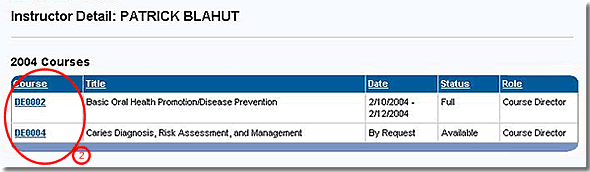
- Click the Course Number to go to the Course Detail page of the course from which you want to delete a comment
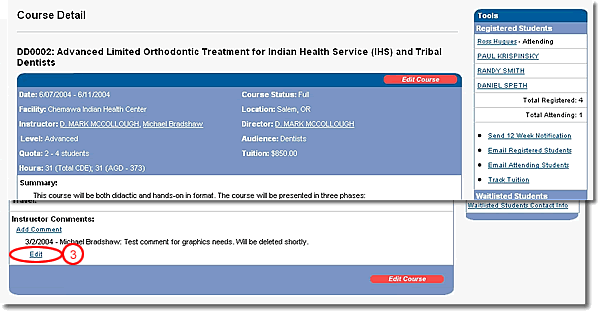
- Near the bottom of the page, locate the comment that you want to delete, click the “Edit” link under the comment to go to the Edit Comment form
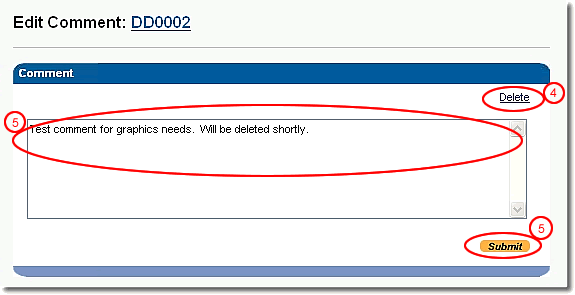
- To delete the comment from the course detail, click the “Delete” link at the top of the form
- To edit the comment, make changes to the comment text and click the “Submit” button