

Project TRANSAM
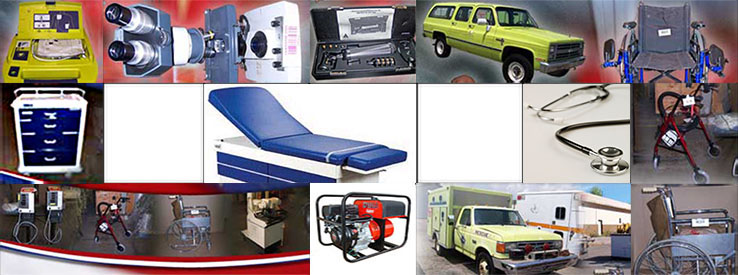
The National Defense Authorization Act of 1995, Section 8032 of Public Law 103-335, created the opportunity for Project TRANSAM. The two individuals who spearheaded the legislation were Senators Daniel Inouye of Hawaii and Ted Stevens of Alaska. The senators regard the project as an opportunity to point out important domestic needs and the enhancement of military readiness.
Project TRANSAM is a Civilian-Military Cooperative Action Program between the Indian Health Service (IHS) and the Department of Defense (DOD) concerning distribution of medical equipment and supplies obtained from closure of military bases as well as other sources such as the GSA Excess program, Direct Transfers from other Federal agencies, direct shipment and delivery from Resource Control Point (RCP), Discounted Medical assets from Defense Logistics Agency (DLA) Depots, and "Blankets for the Homeless" donation program sponsored by the DLA each year.
